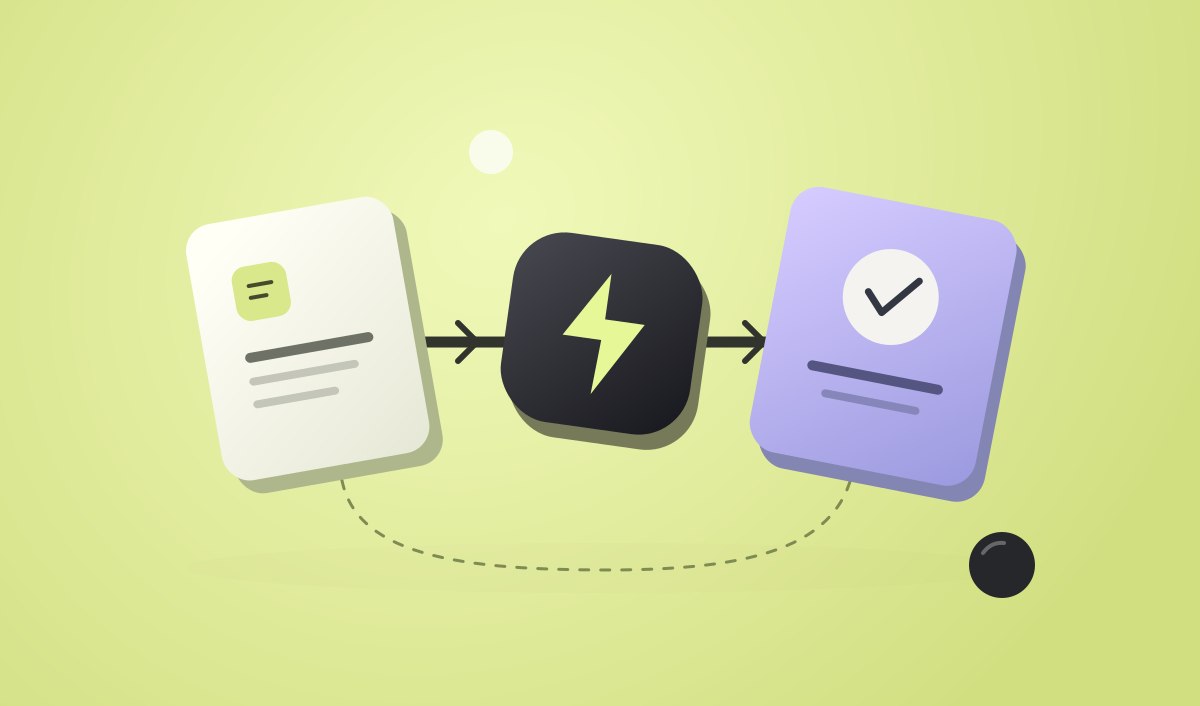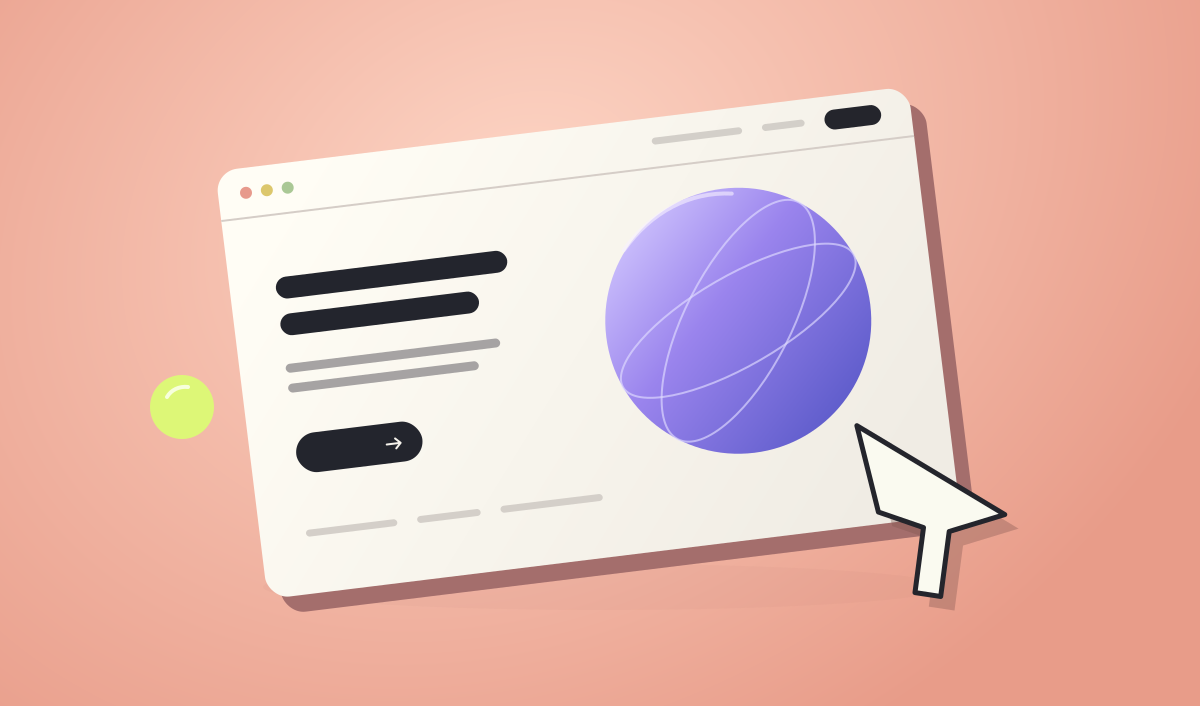
Building an interactive Figma prototype before writing production code lets founders and teams test navigation, messaging, and mobile layouts in days, cutting development rework and keeping mid-range budgets focused on features that matter.
What recent industry updates highlight
Recent notes shared by web.dev Engineering point to an important reminder around New to the web platform in September. Keeping your digital presence clear, up to date, and fast helps both everyday users and growing businesses stay ahead worldwide.
Why this matters right now
Changing a button flow or dashboard layout in Figma takes minutes; changing it after database schemas and API routes are wired takes days.
For startups, SaaS apps, and mobile products, a clickable prototype also doubles as a clear visual pitch for partners, early users, or investors.
Three practical steps you can take today
- Map the core user journey from landing page or sign-in through the main action.
- Design reusable components and typography tokens once so every screen stays consistent.
- Walk real users or team members through the prototype before approving full build milestones.
Quick questions and answers
Can we hire a design studio just for UI/UX and Figma prototyping first?
Yes. Starting with a focused UI/UX sprint gives you tested screens and developer-ready specs before committing to full engineering.
How long does a typical UI/UX prototype sprint take?
Most focused product or website UI/UX sprints run one to three weeks depending on the number of user flows.
Does prototyping slow down launch?
Actually it speeds launch up by removing ambiguity before engineers write a single line of application code.
Want senior web design, apps, or AI on your price?
Not high-end agency bloat and not low-end templates. Rayluxeo builds fast, search-ready websites, apps, and automations for teams worldwide at fair mid-range pricing tailored to your budget.
Reference note: web.dev Engineering.